 how-to
Implementing CMMS for Small Teams: A 2026 Guide
Table of Contents
- Why Small Teams Adopt CMMS Software in 2026
- CMMS Implementation Checklist for Small Business
- CMMS Implementation Timeline: What to Expect Week by Week
- Common CMMS Implementation Challenges and How to Solve Them
- Calculating ROI for Small Teams Implementing CMMS
- DIY vs Professional CMMS Implementation Support
- Building a Maintenance Culture After Implementing CMMS
- Frequently Asked Questions
Last Updated: September 29, 2026
Why Small Teams Adopt CMMS Software in 2026
Implementing CMMS for small teams has shifted from a nice-to-have to a practical necessity. A CMMS, or computerized maintenance management system, is software that tracks assets, schedules work orders, and records maintenance history in one place. At Campus Pro, we work with operations leaders who run lean teams and still need the same visibility larger departments have.
The math is simple. Fewer people means every hour spent chasing paper work orders is an hour not spent fixing something. Most small teams adopt a CMMS for three reasons: they keep losing track of recurring maintenance, they cannot prove what they spent on repairs, and they are tired of rebuilding the same spreadsheet every quarter.
The U.S. Department of Energy's operations and maintenance guidance makes a point most vendors skip: planned maintenance beats reactive repair on both cost and equipment life. That is the real case for implementing CMMS software, not the feature list.
CMMS Implementation Checklist for Small Business
A CMMS implementation checklist for small business should cover five things before you touch any software: your asset list, your current work order process, your team's device reality, your reporting needs, and your go-live date. Skip any one of these and the rollout stalls.
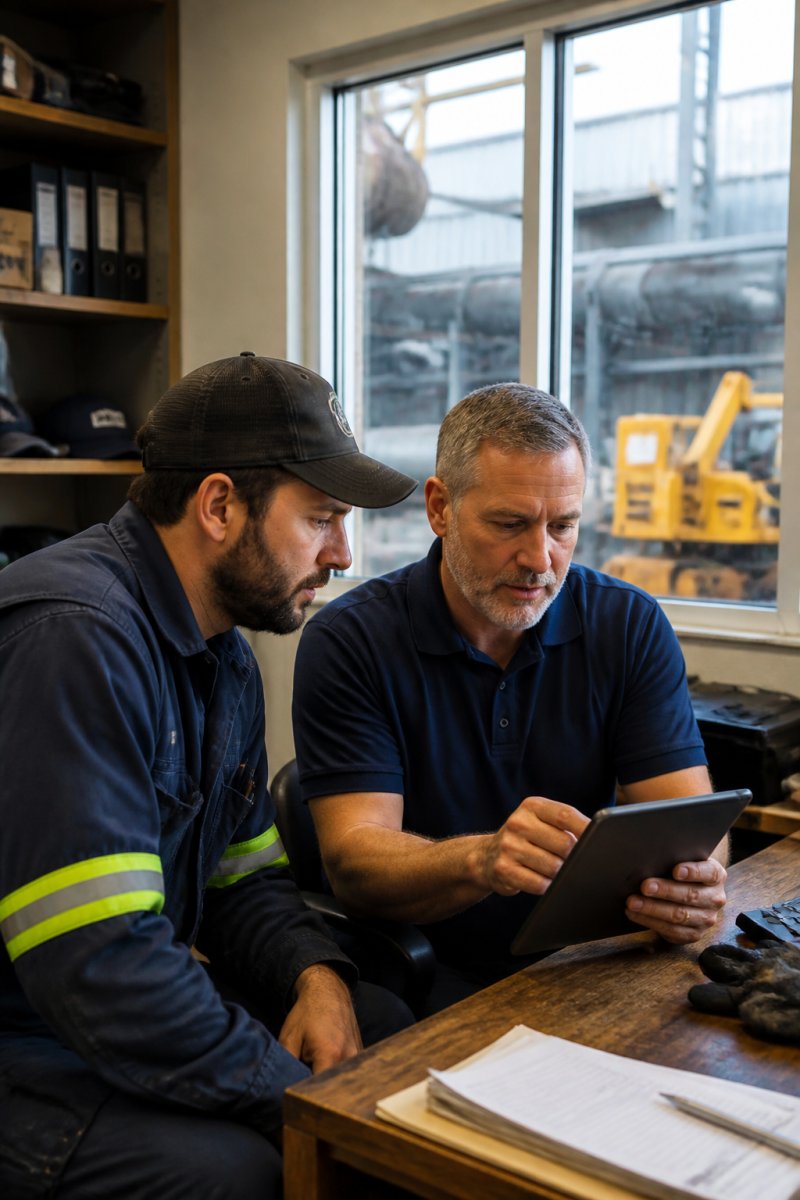
Here is the working checklist we use with clients:
- Build a complete asset inventory with locations and condition notes
- Document how work orders flow today, even if it is a group text
- Confirm every technician has a phone or tablet that can run the app
- Decide which three reports leadership actually needs
- Set a go-live date and a two-week parallel-run window
- Assign one internal owner who is not the busiest person on the team
Asset Inventory and Data Migration Setup
Asset inventory is the foundation of any CMMS, and data migration is where most small teams underestimate the effort. Start with a physical walkthrough. Tag everything that gets maintained, not everything you own.
Integration With Accounting and ERP Tools
System integration with accounting or ERP tools matters more than most guides admit. If your CMMS cannot talk to your finance system, someone will re-enter every parts purchase by hand.
CMMS Implementation Timeline: What to Expect Week by Week
A realistic CMMS implementation timeline for a small team runs six to eight weeks from kickoff to full adoption. Vendors who promise two weeks are usually counting only the technical setup, not the human side.
| Phase | Weeks | Focus | Owner |
|---|---|---|---|
| Planning | 1-2 | Asset inventory, process mapping | Operations lead |
| Data setup | 2-3 | Migration, hierarchy build | Internal admin |
| Configuration | 3-5 | Workflows, alerts, reports | Vendor + admin |
| Training | 5-6 | Role-based sessions | Team leads |
| Go-live | 6-8 | Parallel run, cleanup | Whole team |
Common CMMS Implementation Challenges and How to Solve Them
The most common CMMS implementation challenges are not technical. They are behavioral: resistance from staff who liked the old way, incomplete asset data, and leadership treating the rollout as an IT project instead of an operations one.
Three fixes that work:
- Name a peer champion. A respected technician selling the tool beats a manager mandating it.
- Cut the field count. If a work order takes more than 90 seconds to log, people stop logging.
- Show one win fast. A single avoided breakdown in month one buys patience for month two.
Change Management for Non-Technical Staff
Change management for non-technical staff is the gap most implementation guides ignore. A technician who has run the same building for fifteen years does not want a new app. They want to finish their shift without a headache.
Calculating ROI for Small Teams Implementing CMMS
- Emergency repair hours per month. Pull this from your work order history, or estimate from memory and mark it as an estimate.
- Parts and contractor spend per month. Export the last three months from your accounting tool.
- Unplanned downtime hours per month. Ask the person who fields the "the AC is down" calls.
- Admin hours spent on scheduling and chasing work orders. This is the hidden cost most teams never count.
(Emergency hours avoided × loaded labor rate) + (Downtime hours avoided × cost per downtime hour) + (Parts spend reduction) + (Admin hours saved × loaded labor rate) − (Software subscription + one-time setup hours × loaded labor rate)
If you want a structured starting point, the U.S. Department of Energy's operations and maintenance guidance frames planned maintenance as a cost-avoidance strategy, which is the same logic you are applying here at a smaller scale.
DIY vs Professional CMMS Implementation Support
DIY implementation works when your team has a tech-savvy admin, clean asset data, and time to spare. Professional support makes sense when you are short-staffed, migrating from another system, or need the rollout done without pulling a technician off the floor.
Building a Maintenance Culture After Implementing CMMS
Days 1-30: Prove the tool is worth the effort.
- Hold a 15-minute daily standup for the first two weeks. Review only open work orders, nothing else.
- Require a one-line close-out note on every work order, every time. No exceptions, including for the owner.
- Pick one visible win and talk about it. A avoided breakdown, a part found before it failed, a contractor visit that did not happen.
- Check your four ROI baselines weekly, not monthly, in this window. You are looking for direction, not precision.
Days 31-60: Shift from push to pull.
- Move the standup to twice a week. If attendance drops, that is a signal, not a failure, investigate why.
- Assign a peer champion who is not a manager. This person answers "how do I log this?" questions so the owner does not become the help desk.
- Start scheduling preventive maintenance from the CMMS instead of from memory. The first PM you schedule from the system is the real go-live.
- Audit your asset list. You will find duplicates and missing items in month two that you could not see in week one.
Days 61-90: Make it the default.
- Retire the old process. If the group text or whiteboard still exists, it will win. Close it down deliberately.
- Report one maintenance metric to leadership or the owner monthly. Uptime, PM completion rate, or emergency hours, pick one and stick with it.
- Review your work order field count. If logging takes more than 90 seconds, trim fields. Friction is the number one cause of quiet abandonment.
- Run a 30-minute refresher session for anyone who joined or drifted. Small teams have turnover; onboarding into the CMMS must be a repeatable step, not a one-time event.
The Occupational Safety and Health Administration's recommended practices for safety and health programs makes the same point for compliance: documented, repeated routines beat one-time initiatives. Maintenance logs and standard operating procedures are only as good as the habit behind them, and habits need a named owner and a review cadence to survive a busy month.
Frequently Asked Questions
What are the biggest challenges when implementing CMMS for small teams?
The most common challenges are dirty or incomplete asset data, resistance from technicians who are used to paper work orders, and trying to launch every module at once. Small teams also struggle with time for data entry during the transition. The fix is to start with one module, such as work order management, clean your asset list first, and assign one internal champion who owns user adoption. Expect the first two weeks to feel slower before technician productivity improves.
What is the typical CMMS implementation timeline for a small facility?
A focused rollout for a small team usually takes four to eight weeks. Weeks one and two cover asset inventory and data migration. Weeks three and four handle configuration, preventive maintenance scheduling, and integration with existing tools. Weeks five and six focus on technician training and pilot use. Weeks seven and eight are for adjustments, real-time reporting setup, and full go-live. Larger facilities with complex asset hierarchies can take three months or more.
What data is required before starting a CMMS implementation?
You need a complete asset list with names, locations, and condition, plus any existing maintenance logs, warranty details, and spare parts management records. Map out your asset hierarchy before you import anything. Gather your current work order process, vendor contracts, and compliance inspection schedules. If your data lives in spreadsheets, clean duplicates and standardize naming first. Starting with messy data is one of the most common CMMS implementation challenges and slows the entire project.
How can Campus Pro help small teams with CMMS implementation?
Campus Pro provides fractional facilities leadership and technology implementation support, including its own CMMS platform with floor plan navigation, automated to-do lists, and ten facility modules covering inspections, work orders, cleaning, safety, IT, fleet, inventory, vendors, and condition assessments. Teams can also start with a free role-based FM audit that produces an FM Health Score, which identifies the specific gaps a CMMS rollout should address before any software is configured.
Small teams rarely fail at implementing CMMS software because of the technology. They fail because nobody owns the habit after go-live. Campus Pro helps operations leaders close that gap through fractional facilities leadership, Technology & Systems Implementation, Staff Training & Development, and the Campus Pro-CFMS platform with its ten integrated modules. Get started with Campus Pro and build a maintenance operation that holds up long after the launch date.